Use a stable label panel
Choose a flat or consistently curved area that remains visible after filling, capping and packing. Avoid folding a code around a corner or placing it across a seam, rib, tight radius or panel transition.
2D barcode planning
A practical UK guide to choosing the label face, print method, code position, inspection scope and reject logic for QR Codes with GS1 Digital Link and GS1 DataMatrix.
Direct answer
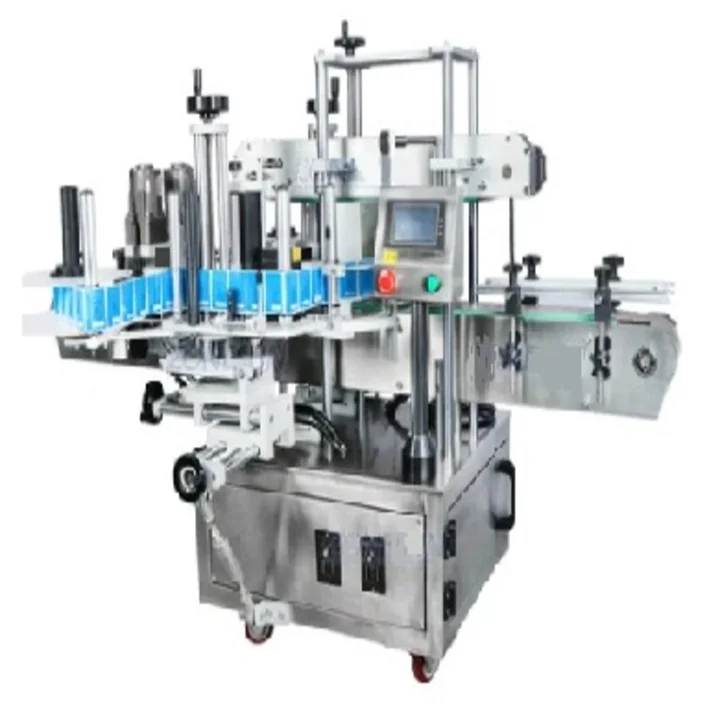
A GS1 compliant 2D barcode should be treated as part of the complete pack specification, not as an isolated artwork element. The project must define the barcode type, encoded data, label face, print method, minimum usable size, quiet zone, scanner environment, inspection method and response to a failed code. The labeller must then present that printed label on a stable, readable part of the finished pack.
The correct solution depends on the use case. A QR Code with GS1 Digital Link can connect a product identifier to online information, while GS1 DataMatrix is commonly used where compact machine-readable data is required. Final selection and symbol dimensions should follow the current GS1 specification and the requirements of the retailer, healthcare customer or trading partner receiving the pack.
Choose the data carrier
The code type, syntax and scanner environment should be agreed before artwork, print area and inspection are fixed.
| EAN/UPC linear barcode | Common retail product identifier. It normally requires a defined linear-symbol area and quiet zones and may remain on packs during a 2D transition. |
|---|---|
| QR Code with GS1 Digital Link | Uses GS1 Digital Link URI syntax and can identify the product while connecting users or systems to online information. Confirm the resolver/content route and point-of-sale requirement separately. |
| GS1 DataMatrix | A compact 2D barcode using GS1 element string syntax. It is widely used in healthcare and can encode a GTIN with supported attributes such as batch, expiry or serial data where the application standard permits. |
| Two codes during transition | A linear and 2D code may coexist for a period. The artwork, scanner and line-inspection logic must prevent ambiguity and confirm which code or data set each process uses. |
Label-face engineering
Barcode readability depends on the printed symbol and on how the label is applied to the actual pack.
Choose a flat or consistently curved area that remains visible after filling, capping and packing. Avoid folding a code around a corner or placing it across a seam, rib, tight radius or panel transition.
Keep the required clear area around the code free from text, graphics, die-cuts and label edges. Confirm colour contrast and opacity using the final face stock, adhesive, liner and container colour.
Define the maximum horizontal, vertical and skew movement that still leaves the complete code inside the approved scanning area. Measure from named pack datums during the sample trial.
State whether the code is pre-printed by the label converter or generated inline. Variable batch, expiry or serial data needs an agreed data source, printer, trigger and job-selection process.
A code that reads on a desk may behave differently at production speed, at point of sale or through a curved clear pack. Test the finished label on the finished container with representative scanners.
A missing label, a misplaced label, wrong data and poor print quality are different defects. Each needs its own detection rule, alarm, reject response and acceptance sample.
GS1 UK provides additional guidance on barcode placement and the areas to avoid on finished packaging.
Controlled process
Acceptance evidence
Send container samples or drawings, front and back label artwork, the planned barcode type and data, the normal output target and the required inspection decision. State whether labels are pre-printed or printed inline and whether the line must store results or communicate with another control system.
For the wider project, use the coding and labelling line guide, the vision and reject guide and the barcode label applicator application page.
Buyer questions
No. GS1 describes Ambition 2027 as a goal for retail point-of-sale systems to process defined 2D barcodes in addition to existing linear barcodes. The transition is gradual, and the current requirement should be confirmed with the relevant trading partner.
GS1 Digital Link uses GS1 identifiers in a web-compatible format. The identifier relates to the product or other identified object; a resolver or application can then connect that identifier to appropriate online information.
Either route may be suitable. Static product data can be supplied by the label converter, while batch, expiry or serial data may require inline printing. The decision affects data control, printer selection, inspection, reject logic and the label-roll specification.
Yes, where the selected pack, label and machine route can hold the code inside a stable readable panel. Suitability should be confirmed with the real container, artwork, label roll and placement tolerance rather than from the code artwork alone.
These references describe GS1 standards and general implementation considerations. The final pack, data content, scanner environment and customer acceptance requirement must be confirmed for the actual application.
Lancing can review the container, label face, print method, code position, target output, camera views and reject interface as one front/back labelling project.